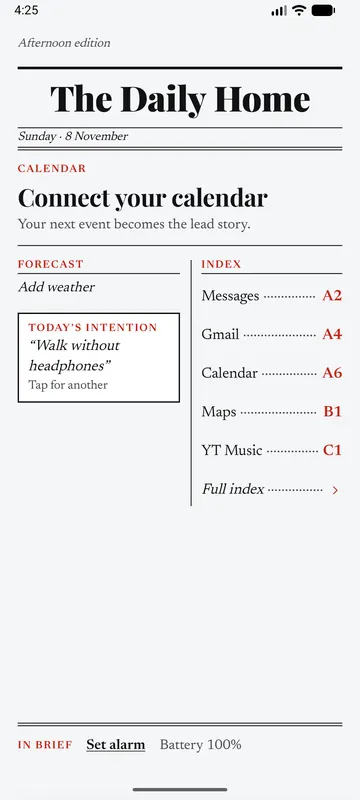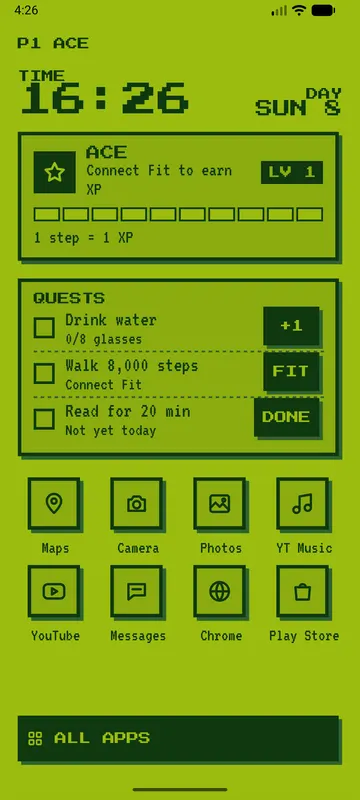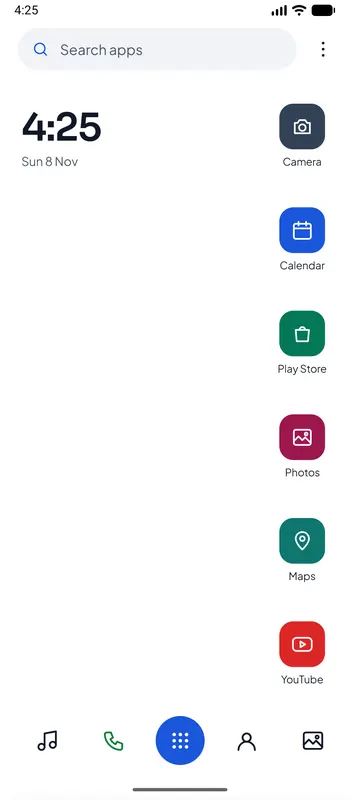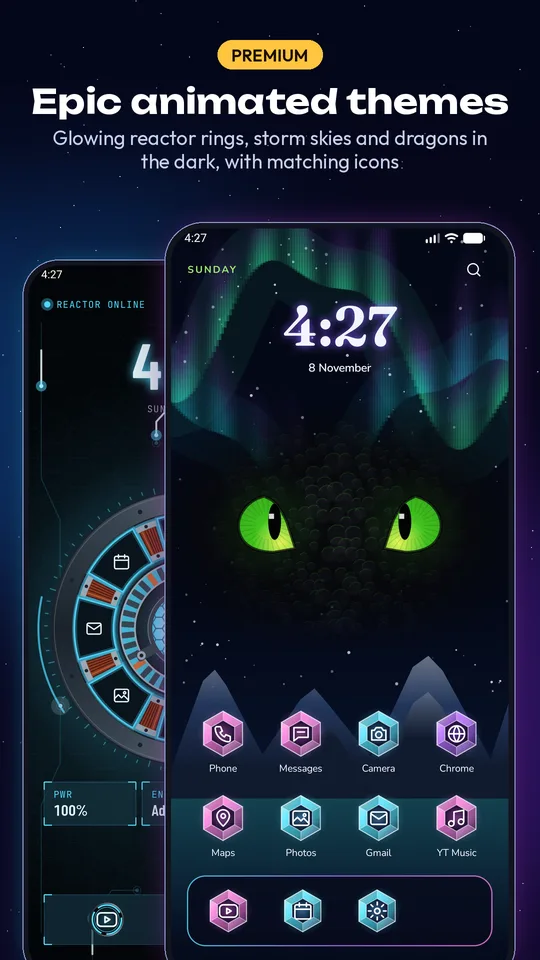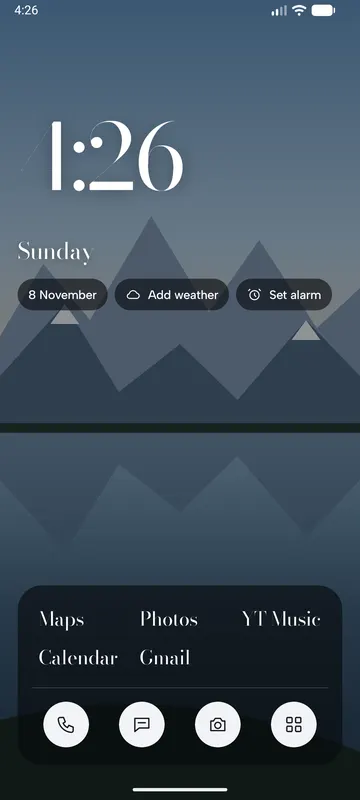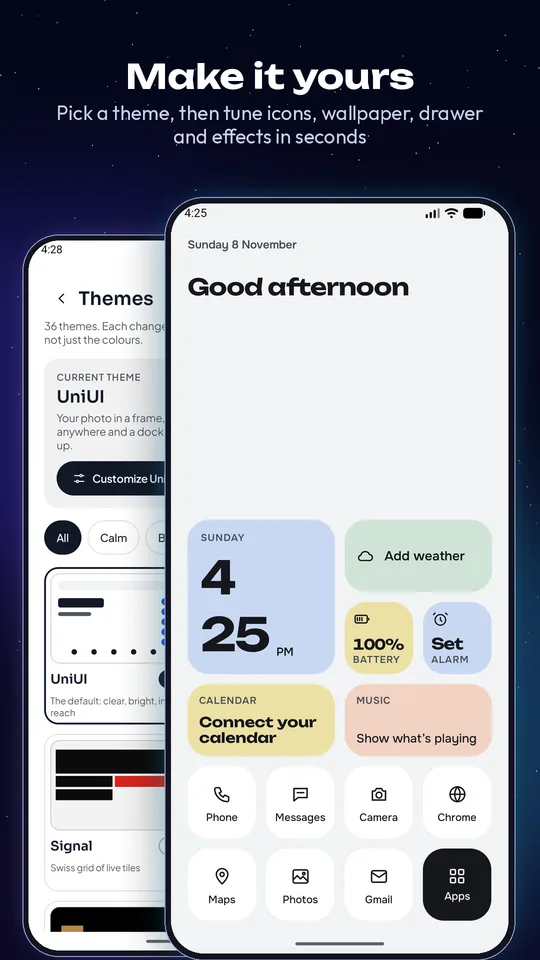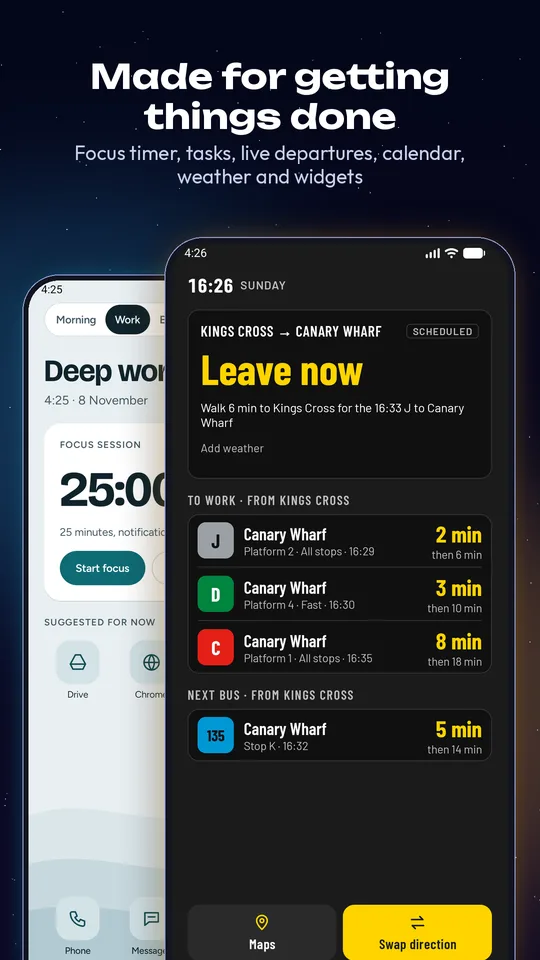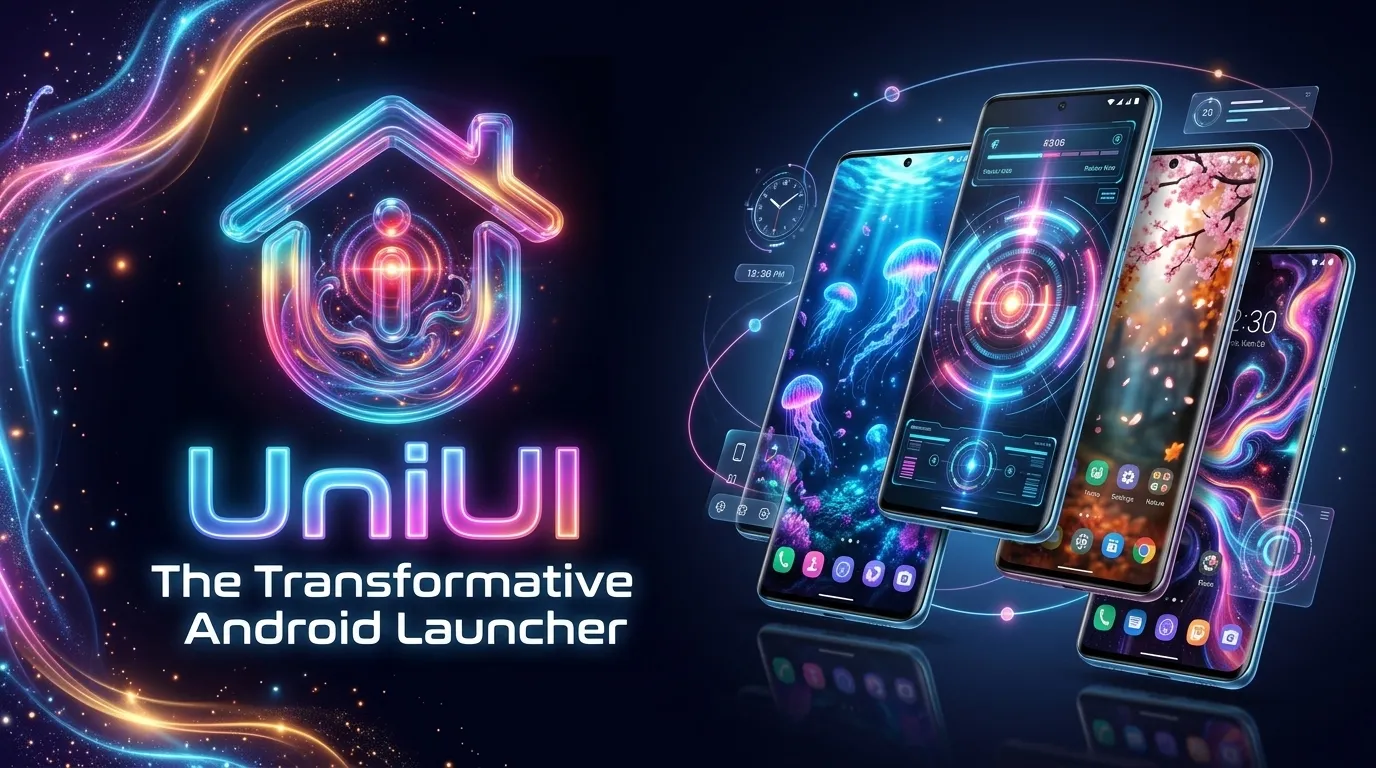
UniUI replaces your home screen, and every theme changes everything: the layout, the widgets, the clock, the app drawer and the icons. A newspaper today, an aquarium tomorrow. Switch in one tap and your phone feels brand new.


Not just new colours. Each theme brings its own layout, widgets, icon style and app drawer. Tap one to see it.

Cinematic homes that react to you, with matching icons and app drawers. Free users can preview them all.
Four animated worlds that move, react and change. All free.
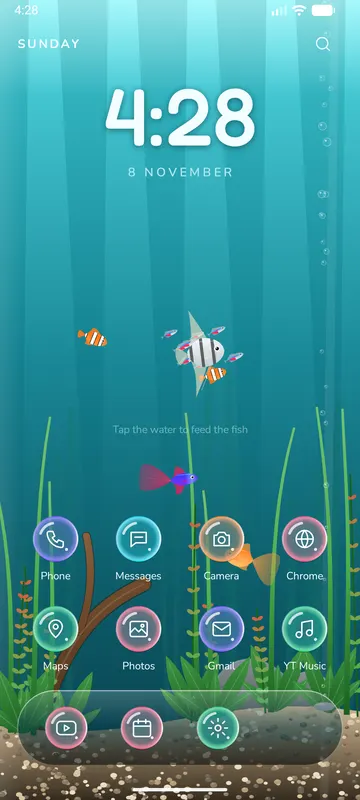
Tetras, angelfish, a goldfish, a betta and clownfish in a planted tank. Tropical, Planted or Night.
Tap the water to feed them
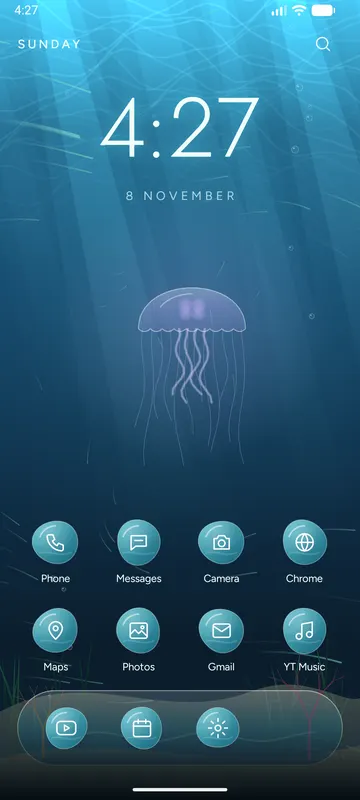
Sunlight and caustics, sea grass, bubbles and a drifting moon jellyfish. The drawer rises like a swell.
Swipe up into the deep
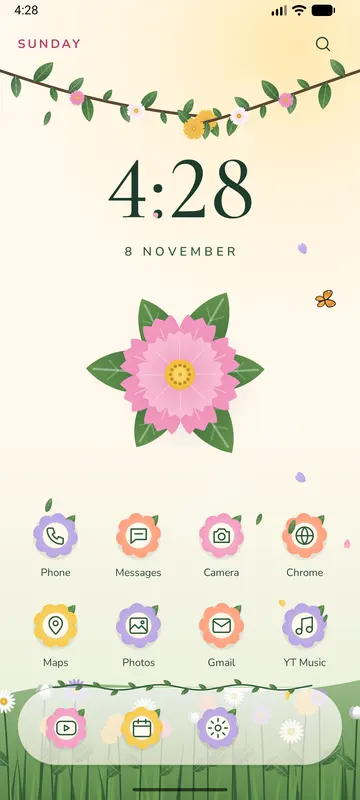
Swaying branches, a flower meadow, falling petals and butterflies. Meadow, Sakura or Autumn.
Three seasons
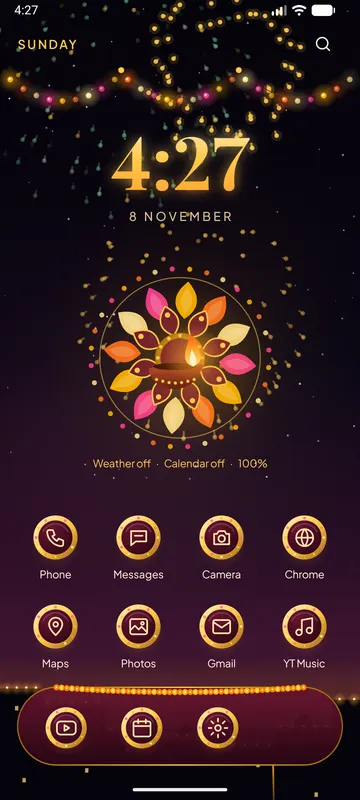
A Diwali night with fireworks over diyas, fairy lights and a rangoli. Marigold, Peacock or Rani.
Tap the diya for a volleyTurn on live effects over any theme. Try them here, and tap the screen for ripples.
In the app you can also match rain and snow to the real weather, pick from 46 fluid simulation presets, add fireflies or flurries, a charging glow around the screen edge and parallax tilt. Rain gets wind, splashes and lightning; snow settles in drifts and melts.


Every theme remembers its own setup. 30 themes also have their own settings, like Arcade's palettes or Gazette's typefaces.

15 built-in widgets styled to match your theme. Reorder them, hide them, or make some half or full width. Your regular Android widgets work too.
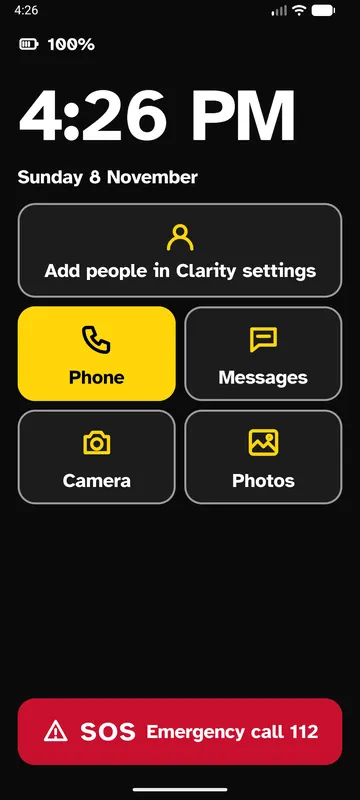
Large or extra-large text, high contrast, up to four favourite people one tap away, and an SOS button that opens the dialer with your emergency number.
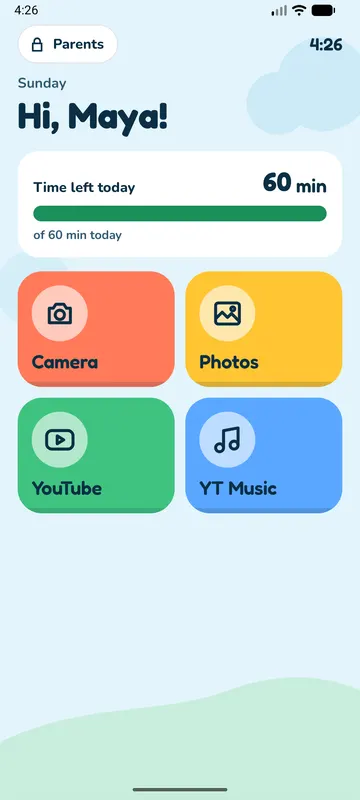
A safe, colourful home for kids: only the apps you allow, a daily time limit with a friendly meter, and a Parents corner locked with a PIN.
English, हिन्दी, বাংলা, తెలుగు, தமிழ், मराठी, Español, Português, Français, Deutsch, Русский, العربية, Bahasa Indonesia, 日本語 and 简体中文.
UniUI asks for access only when a widget needs it, and you can review every permission in More settings → Access. No analytics.
Open UniUI and press Home, or go to your phone's Settings → Apps → Default apps → Home app and choose UniUI. You can switch back any time.
No. Each theme remembers its own home apps and settings, so you can switch freely and come back.
Only for double-tap to lock the screen. UniUI does not read your screen or what you type. It's optional.
Only what a widget you use needs: calendar for events, approximate location for weather, usage access for screen time, Health Connect for steps, and notification access for now playing. Read the Privacy Policy.
Playground shows only the apps you allow, with a daily time limit. Settings are behind a 4-digit parent PIN, with a lockout after too many wrong tries.
Android 8.1 and newer. Double-tap to lock needs Android 9 or newer.
Download UniUI free on Google Play. Questions or ideas? Email sivanimmaladev@gmail.com or use the link in About UniUI.